Set Windows 11 Default Apps by File Type: The Complete Extension Guide
Published on: 24/05/2026
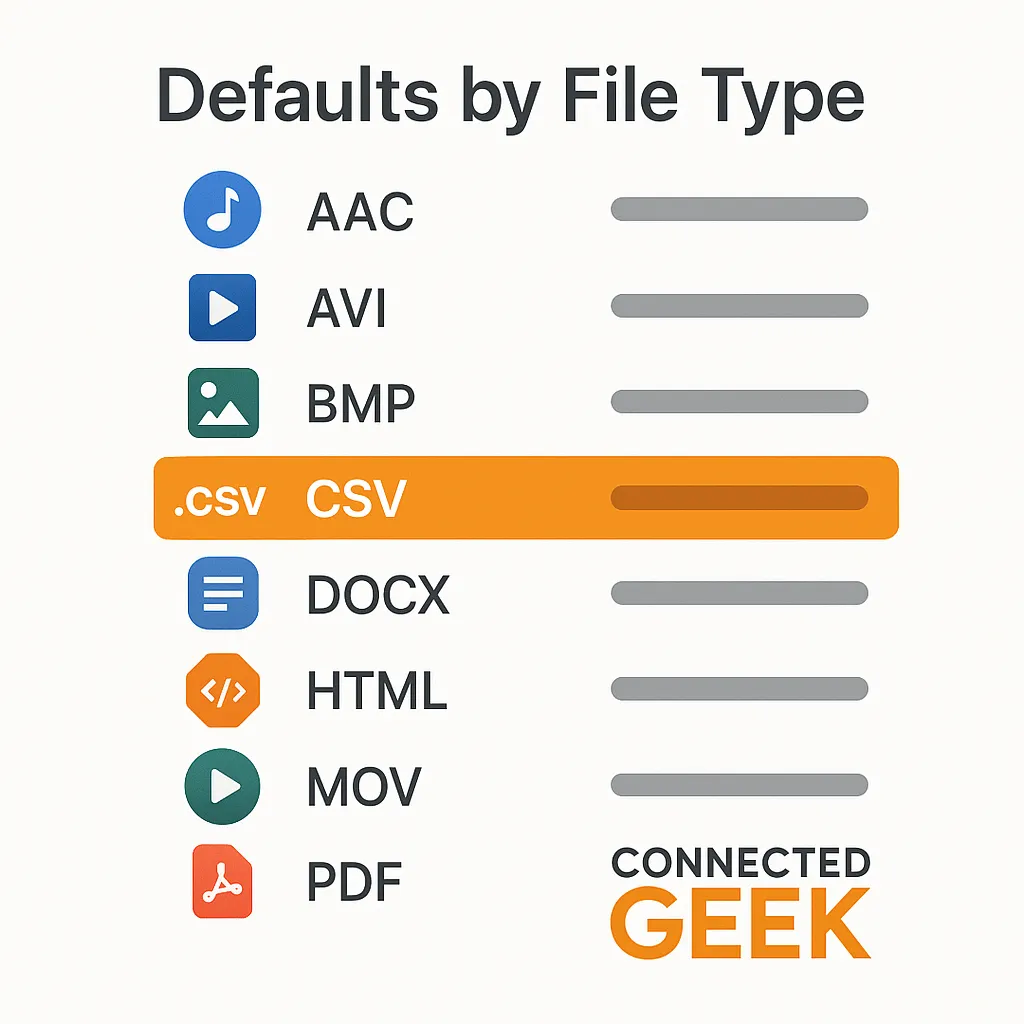
Settings → Apps → Default apps → Choose defaults by file type — a full list of every extension. Click any to pick your preferred app.
Windows 11default appsfile extensionsA-Z listPC settingsapp management
Windows 11 Default Apps by File Type: The Complete A-Z Extension Guide
Published on: 24/05/2026
Settings → Apps → Default apps → 'Choose defaults by file type' gives you a full A-Z list of every extension on your PC. Click any extension to change which app opens it.
Windows 11file typesdefault appsfile extensionsPC settings
How to Change Which App Opens Any File Type in Windows 11
Published on: 24/05/2026
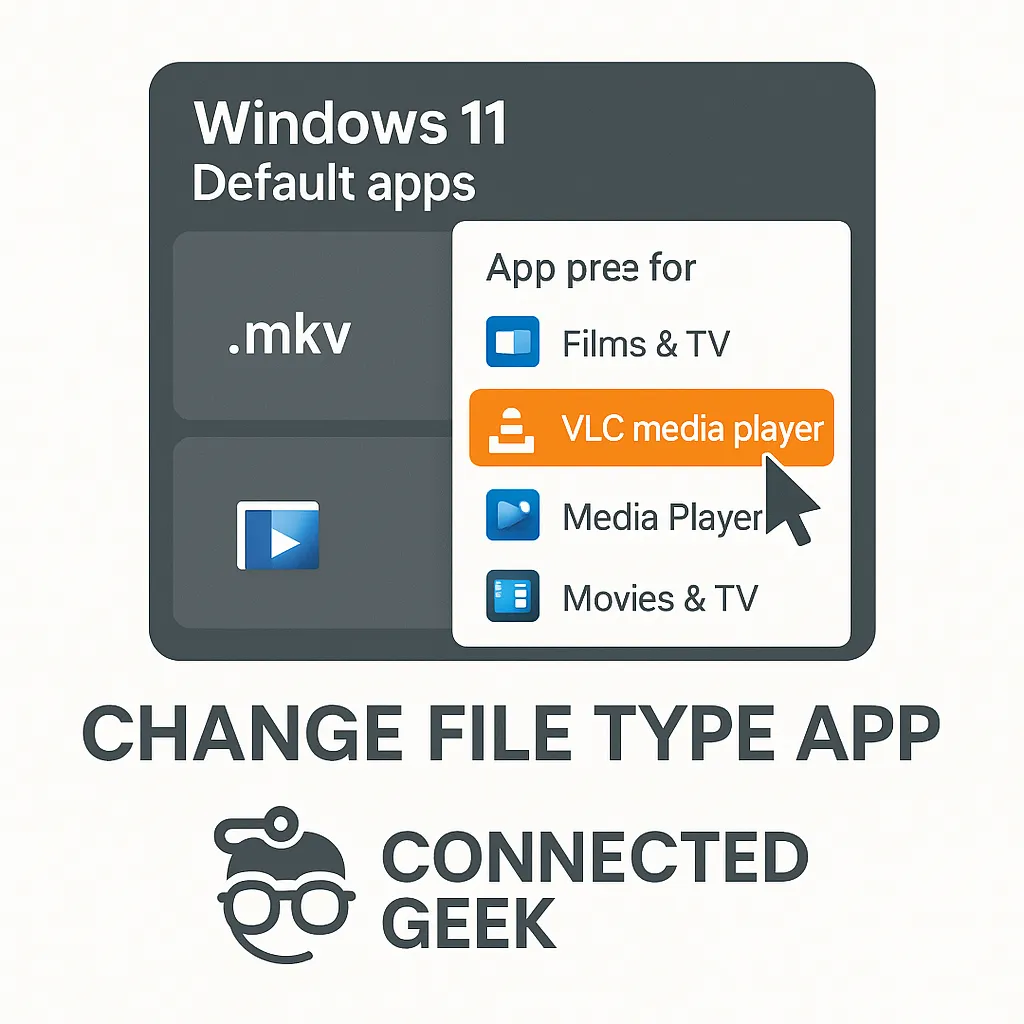
Settings → Apps → Default apps → Choose defaults by file type gives a full A-Z list of every extension — click any to change its assigned app.
Windows 11default appsfile typeschange default programsWindows settingsfile extensions
How to Show File Extensions in Windows 11 File Explorer
Published on: 03/05/2026
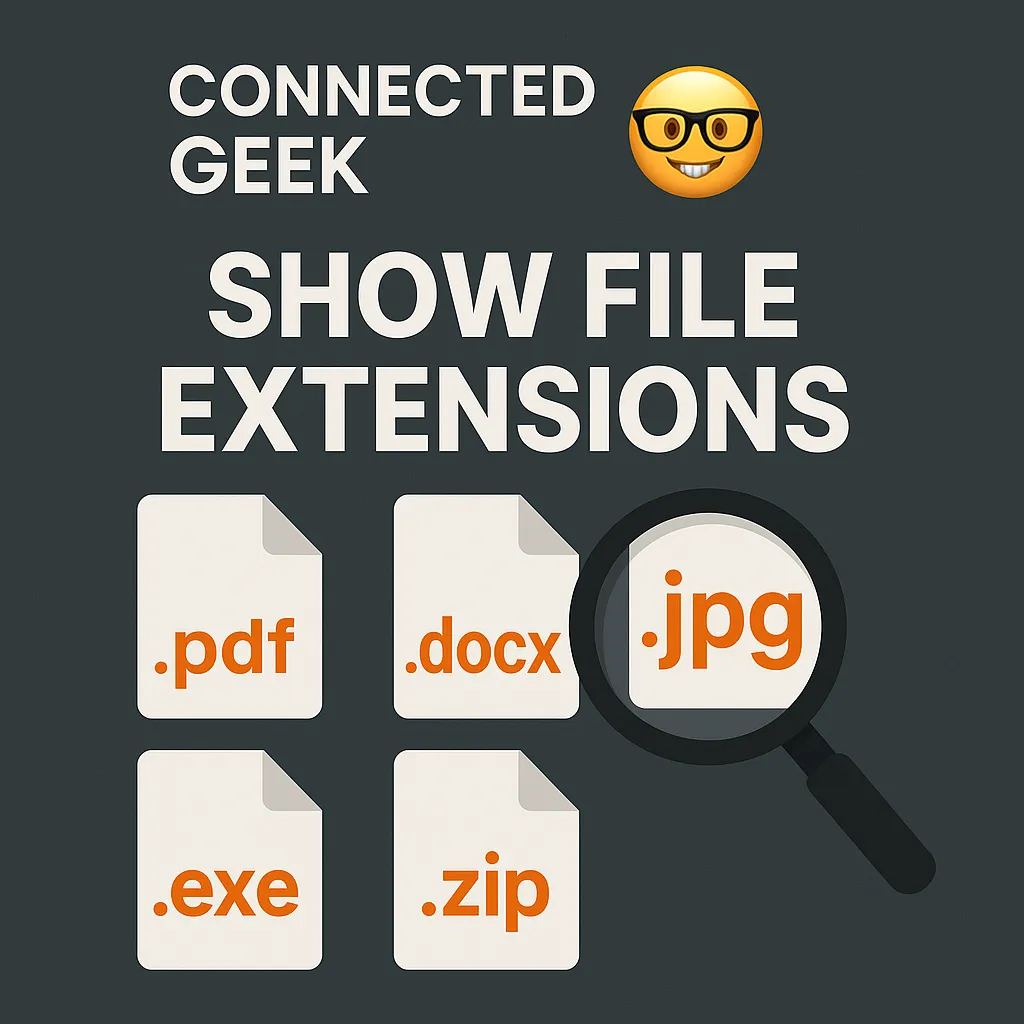
Enable file extensions in File Explorer so every file shows its format (.pdf, .docx, .jpg, .exe) — no more mystery files.
Windows 11file extensionsFile Explorershow extensionsConnectedGeek